파일은 기기를 떠나지 않습니다.
모든 변환은 WebAssembly를 통해 브라우저에서 실행됩니다. 서버가 없으므로 유출될 정보가 없습니다.
이미지 압축기
품질 저하 없이 이미지 압축
Free OPTIMIZE일괄 압축기
한 번에 수백 개 이미지 처리
Free OPTIMIZE100KB로 압축
정확한 파일 크기 달성
Free OPTIMIZEDiscord 압축기
Discord 제한 미만 유지
Free OPTIMIZE이메일 압축기
이메일용 이미지 압축
Free CONVERTFormat Converter
Convert images between any format — JPEG, PNG, WebP, AVIF, and more
Free CONVERTAVIF to JPG Converter
Convert AVIF images to JPG format instantly in your browser
Free EDITAI 아트 필터
AI 영감 필터로 사진을 예술로 변환 — 유화, 스케치, 수채화 등
Free RESIZEImage Resizer
Resize images to exact dimensions, aspect ratios, or target file sizes
Free RESIZEImage Cropper
Crop images with preset ratios or freeform selection
Free EDITRotate Image
Rotate images 90°, 180°, 270°, or by a custom angle
Free EDITAdd Watermark
Add text watermarks to images with custom opacity, position, and styling
Free EDITPassport Photo Maker
Create passport and ID photos with correct dimensions, background color, and print layout
Free EDITImage Flipper
Flip images horizontally, vertically, or both
Free ANALYZEFormat Viewer
Inspect image format details — color space, bit depth, compression type
Coming soon EDITSignature Resizer
Resize signature images for email, documents, and digital signing
Free CONVERTHEIC to JPEG
Convert Apple HEIC/HEIF photos to JPEG, PNG, or WebP
Free CONVERTImage to PDF
Convert images to PDF — combine JPG, PNG, WebP, and more into a single PDF document
Free EDITCircle Crop
Crop images into perfect circles with a live preview. Free, browser-based.
Free EDITImage Redactor
Redact sensitive information from images — blur, pixelate, or blackout text, faces, and regions
Free EDITBackground Remover
Remove image backgrounds automatically
Free EDITWatermark Remover
Remove watermarks and overlays from images
Planned ANALYZEMetadata Viewer
View, edit, and strip EXIF / XMP / IPTC metadata
Free EDITImage Sharpen
Sharpen blurry images and enhance photo details — browser-based
Free EDITBlur Image
Blur images with adjustable strength to protect privacy or create soft-focus effects
Free EDITImage Denoiser
Remove noise and grain from images with median filter and Gaussian blur — browser-based
Free CONVERTICO Converter
Convert images to ICO favicon format — create favicon.ico from PNG, JPG, and WebP
Free EDITBatch Image Renamer
Rename multiple images at once — add prefix, suffix, sequential numbering, find & replace
Free ANALYZEColor Picker
Pick colors from any image — get HEX, RGB, and HSL values instantly with a magnifier
Free ANALYZEDominant Color Extractor
Extract dominant colors and color palettes from any image — get HEX, RGB, and percentages
Free EDITSVG Optimizer
Optimize and minify SVG files — remove metadata, comments, and redundant data to reduce file size
Free EDITColor Correction
Adjust brightness, contrast, saturation, and exposure of images
Free CREATE텍스트를 이미지로 생성
텍스트 설명에서 AI로 이미지 생성 — 무료, 가입 불필요
Free ANALYZE종횡비 계산기
이미지, 비디오, 화면의 종횡비 계산 — 간략화된 비율, 소수, 누락된 치수 확인
Free CREATEMeme Generator
Create custom memes online free — add top and bottom text to images, no sign-up needed
Free CONVERT이미지를 Base64로 변환
이미지를 Base64 데이터 URI로 변환 — PNG, JPG, WebP, SVG 등을 Base64 문자열로 인코딩
Free ANALYZE이미지 크기 확인
온라인에서 이미지 크기 확인 — 너비, 높이, 종횡비, 해상도를 즉시 확인
Free CREATEQR 코드 생성기
무료로 맞춤형 QR 코드 생성 — URL, 텍스트, WiFi, vCard, 이메일, SMS 및 전화번호용 QR 코드 만들기
FreeToolBox Image를 선택해야 하는 이유
모든 도구는 브라우저에서 실행되며 파일은 기기를 떠나지 않습니다.
모든 변환은 WebAssembly를 통해 브라우저에서 실행됩니다. 서버가 없으므로 유출될 정보가 없습니다.
페이지를 열고 즉시 압축을 시작하세요. 가입 불필요, 계정 불필요, 이메일 불필요.
여러분의 도구가 사용하는 것과 동일한 형식(JPG, PNG, WebP, AVIF, GIF, SVG)을 처리합니다.
Features
A focused toolkit that does the boring stuff brilliantly and gets out of your way.
파일을 드롭하거나, 클릭하여 찾거나 클립보드에서 붙여넣기.
Screenshot, ⌘V, done. No intermediate file.
Process hundreds of images in parallel on web workers.
JPG → WebP, PNG → AVIF — pick any source, any target.
Fine-tune quality, target size, or visual parity per image.
Compare before and after at full resolution before you download.
사용 방법
더 작고 빠른 이미지를 위한 3단계.
파일을 드롭하거나, 클릭하여 찾거나 클립보드에서 붙여넣기.
품질, 목표 크기 또는 출력 형식을 선택.
구분선을 드래그. 결과가 좋으면 다운로드.
개별 파일 또는 전체를 zip으로 다운로드.
See it
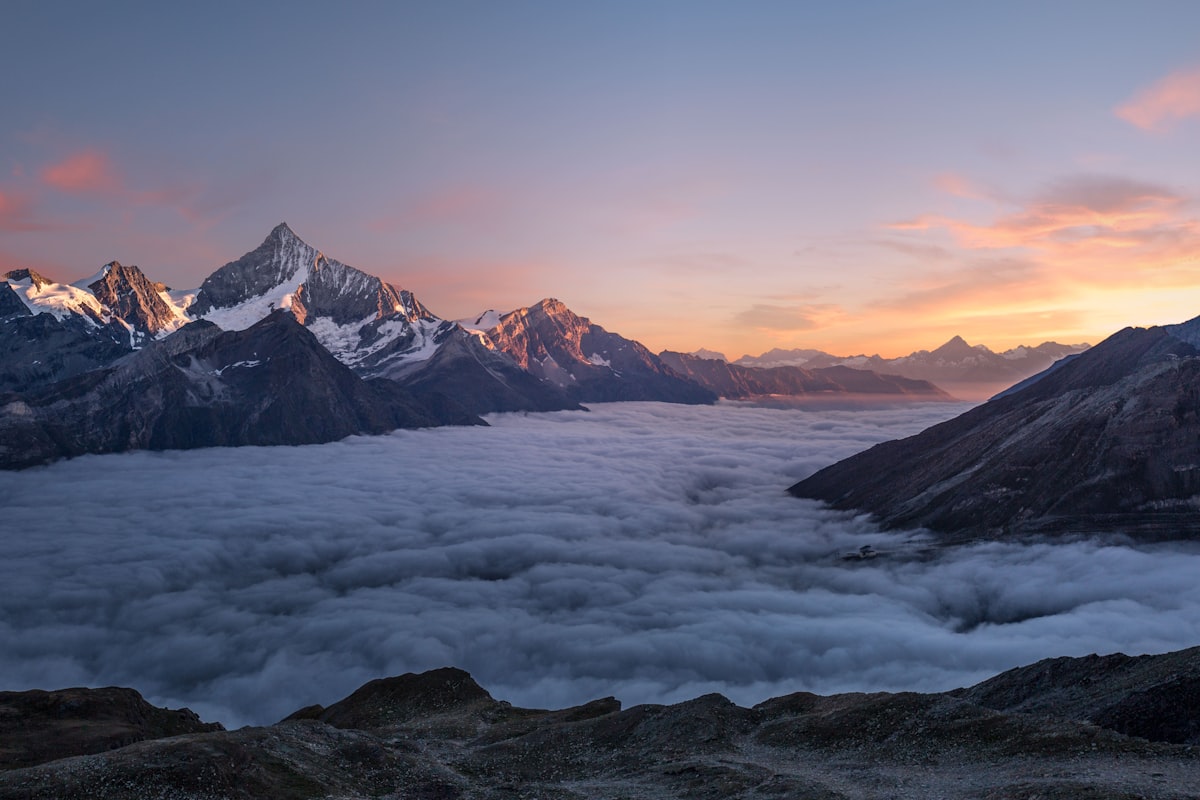
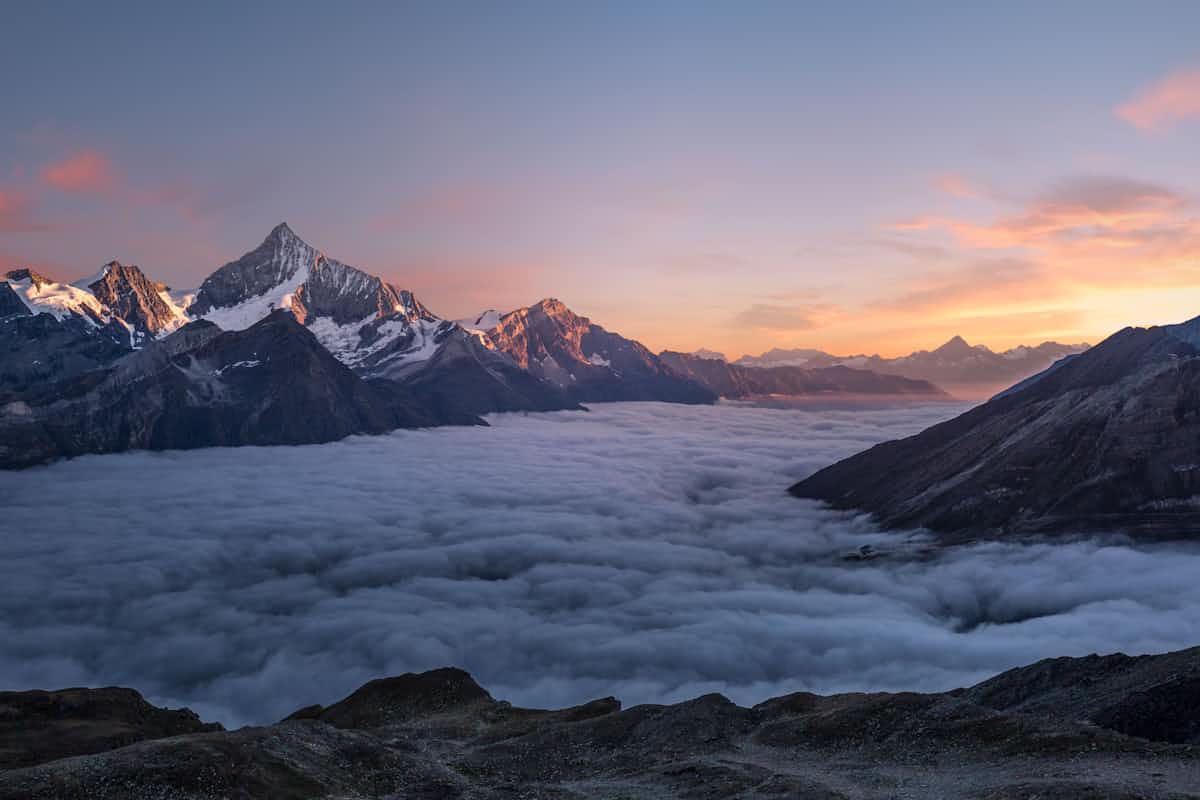
1.8 MB down to 312 KB. Visually identical at normal viewing distances. The Compressor picks the right codec per image — JPEG, WebP, or AVIF — to maximize quality at your target size.
운영 중
모든 도구는 브라우저에서 실행되며 파일은 기기를 떠나지 않습니다.
Drag-to-crop with safe-area guides for social platforms.
Tile or corner watermarks with opacity, scale, and rotation controls.
One-click subject isolation. WebGPU-accelerated.
Strip metadata before sharing — keep the pixels, lose the trail.
자주 묻는 질문
सबसे ज़्यादा पूछे जाने वाले सवालों के जवाब।
아니요. 모든 단계가 브라우저의 WebAssembly에서 실행됩니다.
JPG, PNG, WebP, GIF, AVIF, SVG.
WebAssembly로 컴파일된 최신 코덱으로 이미지를 다시 인코딩합니다.
서버 측 제한은 없습니다(서버가 없습니다).
스마트 기본 설정에서는 일반적인 거리에서 차이를 느낄 수 없습니다.
아니요. 가입, 이메일, 구독이 필요 없습니다. ToolBox Image는 무료입니다.