ファイルはデバイスから離れることはありません。
すべての変換はWebAssemblyを介してブラウザで実行されます。サーバーがないため、漏洩するものはありません。
画像圧縮ツール
品質を損なわずに画像を圧縮
Free OPTIMIZE一括圧縮
一度に数百の画像を処理
Free OPTIMIZE100KBに圧縮
正確なファイルサイズを達成
Free OPTIMIZEDiscord圧縮
Discordの制限内に収める
Free OPTIMIZEメール圧縮
メール用に画像を圧縮
Free CONVERTFormat Converter
Convert images between any format — JPEG, PNG, WebP, AVIF, and more
Free CONVERTAVIF to JPG Converter
Convert AVIF images to JPG format instantly in your browser
Free EDITAIアートフィルター
AIインスパイアされたフィルターで写真をアートに — 油絵、スケッチ、水彩など
Free RESIZEImage Resizer
Resize images to exact dimensions, aspect ratios, or target file sizes
Free RESIZEImage Cropper
Crop images with preset ratios or freeform selection
Free EDITRotate Image
Rotate images 90°, 180°, 270°, or by a custom angle
Free EDITAdd Watermark
Add text watermarks to images with custom opacity, position, and styling
Free EDITPassport Photo Maker
Create passport and ID photos with correct dimensions, background color, and print layout
Free EDITImage Flipper
Flip images horizontally, vertically, or both
Free ANALYZEFormat Viewer
Inspect image format details — color space, bit depth, compression type
Coming soon EDITSignature Resizer
Resize signature images for email, documents, and digital signing
Free CONVERTHEIC to JPEG
Convert Apple HEIC/HEIF photos to JPEG, PNG, or WebP
Free CONVERTImage to PDF
Convert images to PDF — combine JPG, PNG, WebP, and more into a single PDF document
Free EDITCircle Crop
Crop images into perfect circles with a live preview. Free, browser-based.
Free EDITImage Redactor
Redact sensitive information from images — blur, pixelate, or blackout text, faces, and regions
Free EDITBackground Remover
Remove image backgrounds automatically
Free EDITWatermark Remover
Remove watermarks and overlays from images
Planned ANALYZEMetadata Viewer
View, edit, and strip EXIF / XMP / IPTC metadata
Free EDITImage Sharpen
Sharpen blurry images and enhance photo details — browser-based
Free EDITBlur Image
Blur images with adjustable strength to protect privacy or create soft-focus effects
Free EDITImage Denoiser
Remove noise and grain from images with median filter and Gaussian blur — browser-based
Free CONVERTICO Converter
Convert images to ICO favicon format — create favicon.ico from PNG, JPG, and WebP
Free EDITBatch Image Renamer
Rename multiple images at once — add prefix, suffix, sequential numbering, find & replace
Free ANALYZEColor Picker
Pick colors from any image — get HEX, RGB, and HSL values instantly with a magnifier
Free ANALYZEDominant Color Extractor
Extract dominant colors and color palettes from any image — get HEX, RGB, and percentages
Free EDITSVG Optimizer
Optimize and minify SVG files — remove metadata, comments, and redundant data to reduce file size
Free EDITColor Correction
Adjust brightness, contrast, saturation, and exposure of images
Free CREATEテキストから画像生成
テキスト説明からAIで画像を生成 — 無料、登録不要
Free ANALYZEアスペクト比計算機
画像、動画、画面のアスペクト比を計算 — 簡略化された比率、小数、不足している寸法を取得
Free CREATEMeme Generator
Create custom memes online free — add top and bottom text to images, no sign-up needed
Free CONVERT画像をBase64に変換
画像をBase64データURIに変換 — PNG、JPG、WebP、SVGなどをBase64文字列としてエンコード
Free ANALYZE画像サイズチェッカー
オンラインで画像サイズを確認 — 幅、高さ、アスペクト比、解像度を即座に表示
Free CREATEQRコード生成ツール
無料でカスタムQRコードを生成 — URL、テキスト、WiFi、vCard、メール、SMS、電話番号用のQRコードを作成
FreeToolBox Imageを選ぶ理由
すべてのツールはブラウザで動作し、ファイルはデバイスから離れることはありません。
すべての変換はWebAssemblyを介してブラウザで実行されます。サーバーがないため、漏洩するものはありません。
ページを開いてすぐに圧縮を開始できます。登録不要、アカウント不要、メールアドレス不要。
お使いのツールと同じ形式(JPG、PNG、WebP、AVIF、GIF、SVG)を処理します。
Features
A focused toolkit that does the boring stuff brilliantly and gets out of your way.
ファイルをドロップ、クリックして選択、またはクリップボードから貼り付け。
Screenshot, ⌘V, done. No intermediate file.
Process hundreds of images in parallel on web workers.
JPG → WebP, PNG → AVIF — pick any source, any target.
Fine-tune quality, target size, or visual parity per image.
Compare before and after at full resolution before you download.
使い方
より小さく、より高速な画像への3ステップ。
ファイルをドロップ、クリックして選択、またはクリップボードから貼り付け。
品質、目標サイズ、出力形式を選択。
仕切りをドラッグ。結果が良ければダウンロード。
個別ファイルまたはすべてをzipでダウンロード。
See it
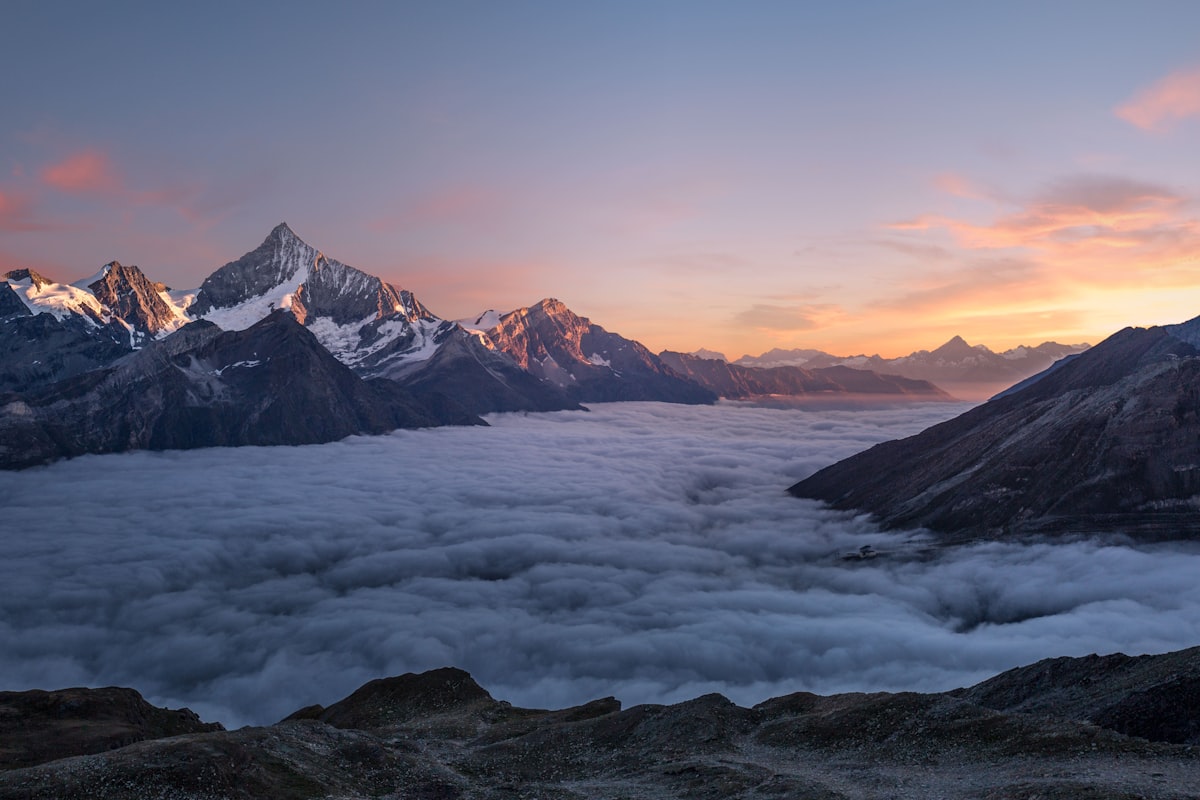
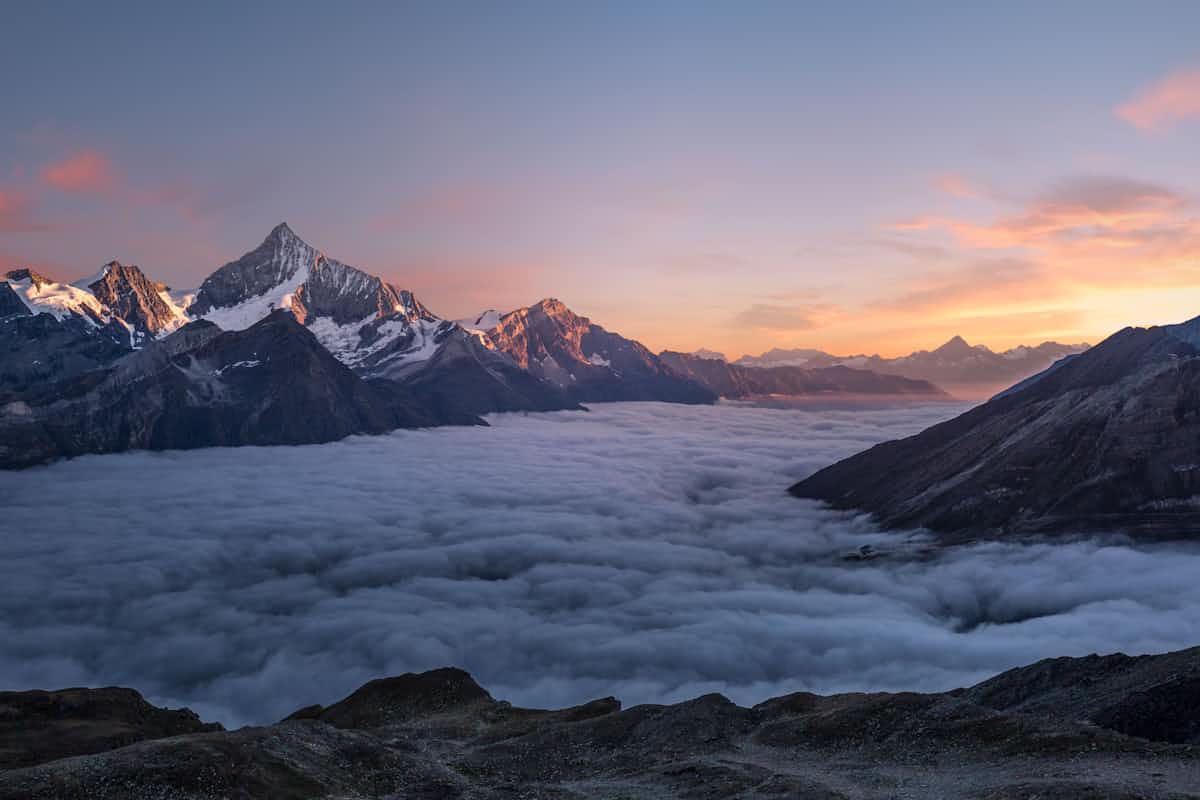
1.8 MB down to 312 KB. Visually identical at normal viewing distances. The Compressor picks the right codec per image — JPEG, WebP, or AVIF — to maximize quality at your target size.
公開中
すべてのツールはブラウザで動作し、ファイルはデバイスから離れることはありません。
Drag-to-crop with safe-area guides for social platforms.
Tile or corner watermarks with opacity, scale, and rotation controls.
One-click subject isolation. WebGPU-accelerated.
Strip metadata before sharing — keep the pixels, lose the trail.
よくある質問
सबसे ज़्यादा पूछे जाने वाले सवालों के जवाब।
いいえ。すべての処理はブラウザ内のWebAssemblyで実行されます。
JPG、PNG、WebP、GIF、AVIF、SVG。
WebAssemblyにコンパイルされた最新コーデックで画像を再エンコードします。
サーバー側の制限はありません(サーバーはありません)。
スマート設定では、通常の閲覧距離では視覚的な差はわかりません。
いいえ。登録、メール、購読は一切不要です。ToolBox Imageは無料で無制限です。